Start the alert wizard to add a new alert as described in Managing alerts.
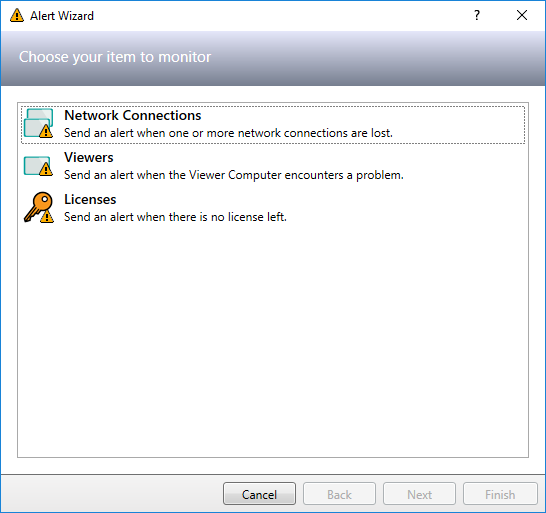
Select Network Connections as the item to monitor and click Next to continue.
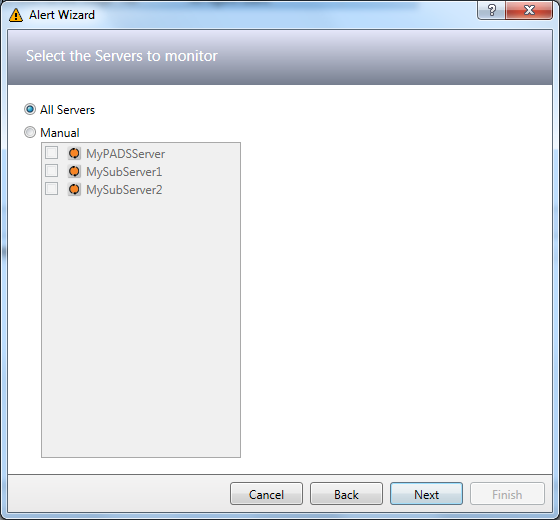
(Only applicable when you have a system with multiple PADS4 Servers)
Select the Servers you want to be monitored and click Next to continue.
 NOTE
NOTE
The servers that you select here are the servers where the network connections will be monitored.
Select the Destinations for which you want the network connections to be monitored.
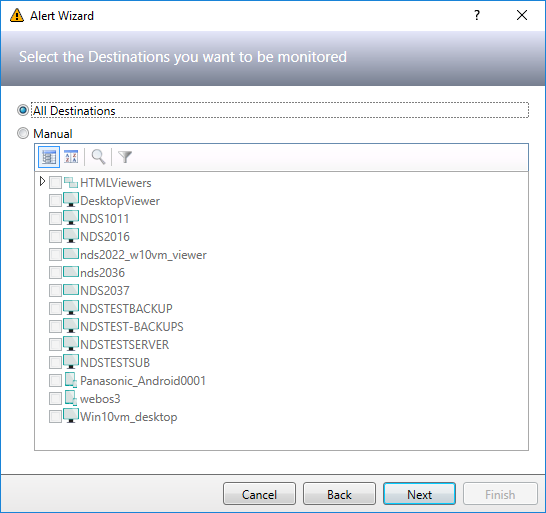
You can choose between the following options:
| Item | Description |
| All destinations |
All destinations will be monitored. If new destinations are added to your system they will automatically be included. |
| Manual |
Manually choose the PADS4 Viewers, PADS4 Desktop Viewer and/or PADS4 HTML Viewers you want to monitor. If you select a Viewer group then all Viewers that are part of this group will be monitored. |
| None |
No destinations will be monitored. Choose this option when you only want to monitor connected sub servers. |
For all destinations that you select here the network connections will be monitored on your PADS4 Server. If you have multiple PADS4 Servers it will be monitored on the PADS4 Servers that you have selected in the previous step of this wizard.
(Only applicable when you have a system with multiple PADS4 Servers)
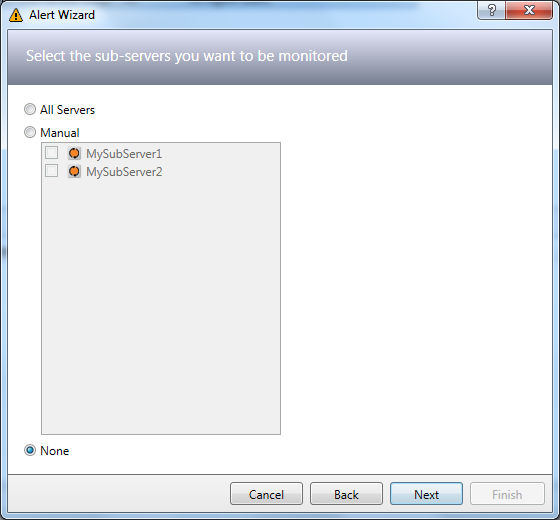
Select the sub servers for which you want the network connections to be monitored.
| Item | Description |
| All servers |
All sub servers will be monitored. If new sub servers are added to your system they will automatically be included. |
| Manual |
Manually choose the sub servers you want to monitor. |
| None |
No sub servers will be monitored. Choose this option when you only want to monitor the destinations you have specified in the previous step of the wizard. |
For all sub servers that you select here the network connections will be monitored on the PADS4 Servers that you have selected previously in this wizard.
Specify the network connection specific alert settings and click Next to continue.
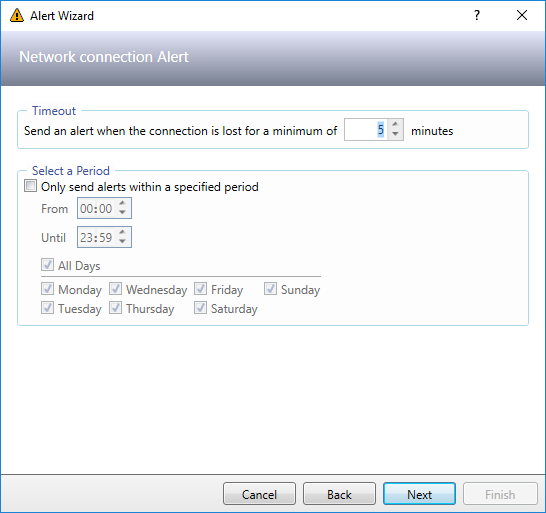
Timeout
Here you can specify a delay to prevent that you will receive alerts about short network failures.
 TIP
TIP
You can also use this option to escalate problems. For instance you can define one alert that will send an alert to Person A after 5 minutes and define a second alert that will send an alert to Person B if the problem still exists after 30 minutes.
Select a Period
Use these options for instance to prevent that you will receive (e-mail) alerts outside working hours.